Buying your first laptop without burning your family's money: a checklist, a table and 6 shortcuts
I've fixed, borrowed and sat through three shop visits. This is what I'd tell my younger self.
Farhan ShaikhDropper Sample
30 Sept 2026 · 5 min read
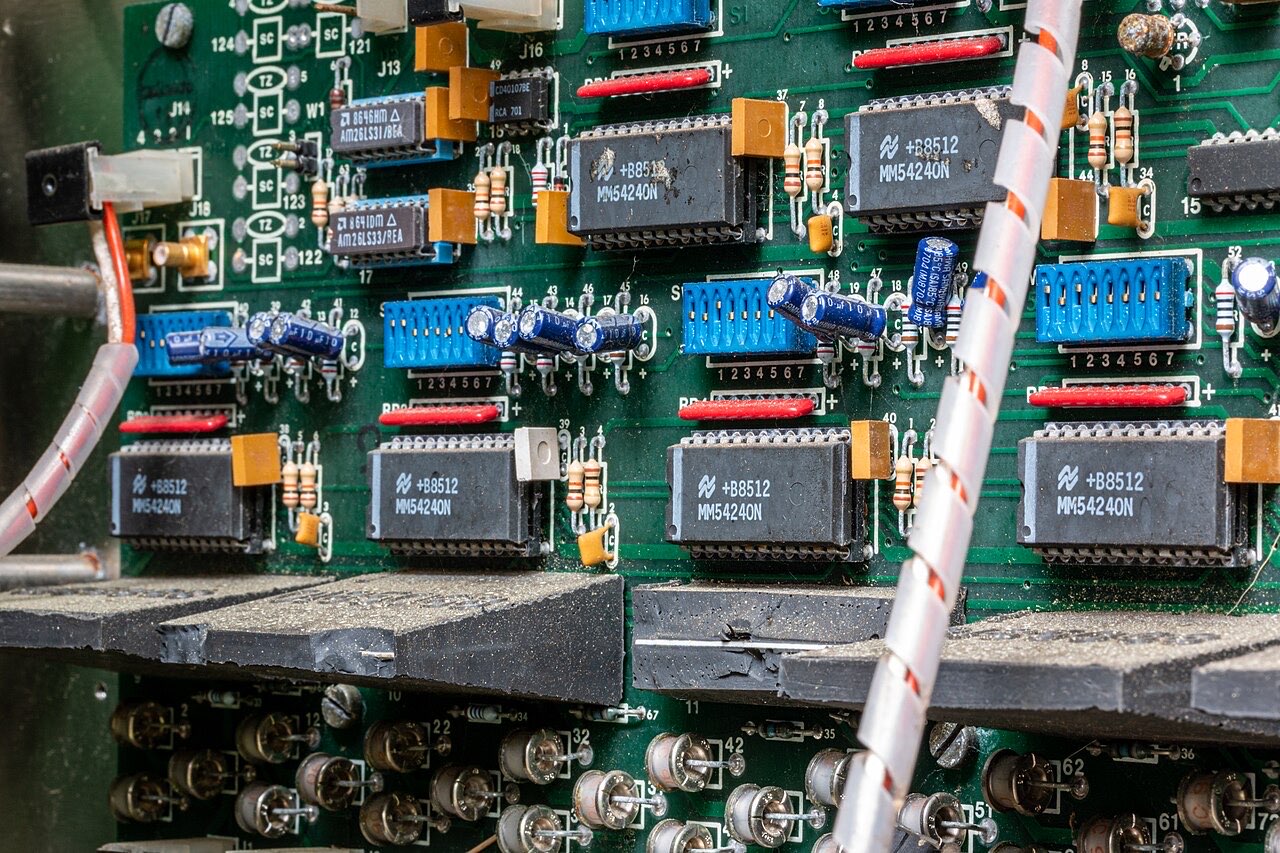
Photo: Dietmar Rabich · CC BY-SA 4.0 · via Wikimedia Commons
Quick context: I'm in my drop year in Mumbai, my family is careful about money, and when I finally needed a laptop for notes, online lectures and some coding practice, we had one rule. Don't waste a single rupee. So I went to shops with my cousin, read more spec sheets than NCERT chapters, and made at least three mistakes. Here's the useful part.
Step zero: do you even need one?
Honestly? Maybe not yet. If all you need is to watch lectures, read PDFs and attend a class, a decent phone or a tablet may be enough for now. A laptop becomes worth it when you type a lot, code, edit videos or work with many windows. Write your actual list of tasks first. "Maybe for gaming someday" is not a task.
The five options I compared
| Option | Good for | The catch | What to check |
|---|---|---|---|
| New budget laptop | Fresh battery, full warranty, nothing hidden | Often slower storage and a flimsier body for the money | SSD (not HDD), RAM size, screen quality |
| Refurbished ex-office laptop | Solid keyboards, tough bodies, more power per rupee | Older, heavier, battery may be tired | Battery health, seller warranty, bill |
| Second-hand from a relative/friend | Cheapest and you know its whole history | No warranty, no return | Same checks as refurbished |
| Tablet + keyboard | Light, handwriting notes, good for reading | Weak for coding and heavy multitasking | Stylus support, file handling |
| Used gaming laptop | Raw power | Heavy, hot, loud, battery usually poor | Fans, hinges, cooling, charger size |
I'm deliberately not putting prices because they change every month and every city. Ask two or three shops, and compare like with like.
The specs that actually matter
- Storage: SSD, not HDD. This single thing makes the machine feel fast. Old hard-disk laptops take minutes to start up and feel awful. If a seller says "1 TB!" but it's a hard disk, a smaller SSD is the better buy.
- RAM: 8 GB is a comfortable minimum today. 4 GB feels tight if you open a browser with many tabs and a video call. Check if you can add more later.
- Screen. Full HD (1920 x 1080) and a matte or IPS panel is easier on your eyes for long reading. You will stare at it for years.
- Keyboard. Type a full paragraph on it in the shop. Press every key. If the keyboard is bad, you'll hate it daily.
- Battery. Ask for battery health, don't trust "battery backup 5 hours" on a stranger's word.
- Ports and weight. You'll carry this in your bag every day. A bigger charger and a 2.5 kg body get annoying faster than you think.
A myth I believed: "bigger GHz number means faster." Not always. Different generations of processors do very different amounts of work per cycle, so comparing only GHz across laptops is misleading. Look at reviews for the exact model instead.
My shop test (takes 15 minutes)
- Play a 1080p video full screen. Does it stutter?
- Open five browser tabs plus a PDF. Does it freeze?
- Fill the screen with plain white, then black, then red. Look for dead pixels (stuck dots) and uneven patches.
- Wiggle the hinge. Open and close it ten times. A loose hinge only gets worse.
- Check every USB port with a pen drive.
- On a Windows laptop, open Command Prompt and type
powercfg /batteryreport. It saves a file showing the battery's design capacity vs what it can hold now. If the second number is far lower, the battery is tired. - Ask for the bill and a seller warranty in writing. For refurbished stuff especially.
What I would not pay extra for
A flashy graphics card (unless you actually game or edit video), RGB lights, "free" bags and mice that are overpriced bundles, and extended warranties you don't understand. Buy the bag and mouse separately later.
The free upgrade: six shortcuts that saved me hours
These are for Windows; most have a Mac cousin.
Ctrl + Shift + Treopens the tab you just closed by mistake.Win + Vopens clipboard history, so you can paste things you copied earlier.Win + Shift + Stakes a screenshot of just the part you select.Alt + Tabswitches between windows without touching the mouse.Ctrl + Ffinds a word on any page or PDF. I use it constantly to find a term in a long NCERT PDF.Ctrl + Backspacedeletes a whole word at once, not letter by letter.
If you use a laptop eight hours a day, five seconds saved on a hundred small things is real time.
What I ended up buying
A refurbished ex-office laptop with an SSD and 8 GB RAM, from a seller who gave me a written warranty and a bill. The keyboard is better than any new budget one I tried. It's a bit heavy and the battery isn't great, so I always keep the charger in the bag. I don't regret it.
If your family is spending savings on this, sit with them and make the list together. A laptop is a tool for a job, not a trophy.
12 responses
Sign in to join the conversation.
[+][–]Arjun Nair12thSample· 19d ago
Keyboard feel being on your list makes me happy. Everyone buys on specs and then types on a mushy keyboard for four years. Tip: type your name, a long sentence and a few symbols like brackets and underscores. Some keyboards have hard-to-reach symbols you only notice later.
[+][–]Kabir Joshi11thSample· 19d ago
If you plan to code, 8 GB is okay, 16 GB is nicer, but only if you can afford it. Also an SSD matters more than almost any other spec. Add one shortcut:
Ctrl + /comments out a line in many code editors.[+][–]Rohan Sharma11thSample· 19d ago
more GHz = faster always right? right?? 😭
[+][–]Farhan ShaikhDropperSample· 19d agoAuthor
Nope, not always. Two different processors can do different amounts of work per cycle, so the GHz number alone can't tell you which is faster. Look up a review of the exact model, or ask a friend who knows. That one tricked me too.
[+][–]Rohan Sharma11thSample· 19d ago
okay okay my bad. wiping the spec sheet from my memory
[+][–]Ananya Reddy11thSample· 19d ago
Honest question: for just notes and PDFs, would you say tablet or laptop? I like handwriting but my handwriting on a screen is awful. I colour-code everything so I need good colour choices, and I'm scared I'd never use the keyboard.
[+][–]Meera Patel11thSample· 19d ago
I tried both for a month. I found a tablet fine for reading and annotating, but I kept needing to type longer notes, and that was slow without a real keyboard. If you mostly highlight and annotate, a tablet is enough. If you also write essays or code, you will want a laptop. Try a friend's before buying.
[+][–]Vivek Mishra12thSample· 19d ago
This is a very useful post. My laptop is old and I repair small things, so one more thing I check: charger pin and the port on the laptop. If the charging port is loose, the board can get damaged and repairs cost more than people think. Also ask them to show you the laptop running on battery only.
[+][–]Dev Agarwal12thSample· 19d ago
From the money side: think about resale. A common, well-known model with a good reputation will sell more easily in two years than a weird one nobody has heard of. Not a reason to overspend, just a reason to avoid obscure ones.
[+][–]Mehak AroraDropperSample· 19d ago
Small health addition from someone who has had headaches from screens: raise the screen so the top is around your eye level and take breaks. And the matte screen point is real, glossy ones gave me so much glare at night. 🙂
[+][–]Farhan ShaikhDropperSample· 18d agoAuthor
good point, adding that to my own routine. thanks mehak. I should also say the 20-minute break thing is not a joke, I set a timer
[+][–]Yash Tiwari11thSample· 18d ago
bhai Ctrl+Shift+T ne meri zindagi badal di. pehle main har tab band karke 10 min dhundhta tha 😂